Get the app
The whole course, on your phone.
No App Store. No download. Add the Clare Park Lake web app to your home screen in two taps — you'll get an app icon that opens straight to booking, weather, your scorecard, and on-course distances.
Installing takes 10 seconds
How to add it to your phone
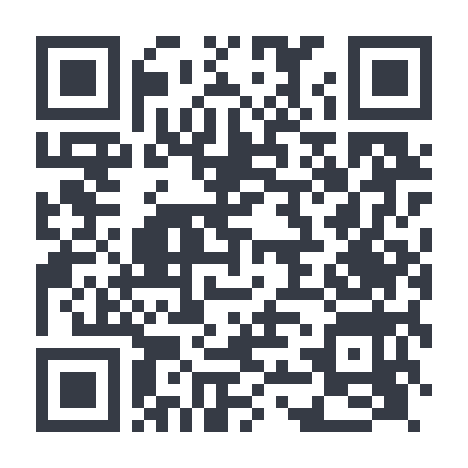
This code opens this page on your phone
Point your phone or tablet's camera at this code and tap the link that pops up — this exact page opens on that device. Then follow the four steps below on your phone. No typing, no searching, no App Store.
Scanning opens clareparklakegolfcourse.co.uk/install
Four easy steps
Scan the QR code above with your phone or tablet — this page opens on that device.
At the bottom of the page, tap the Share button (iPhone) or the ⋮ menu (Android).
Choose "Add to Home Screen". On iPhone you may need to scroll down the list to find it.
Open the app from your home screen and log in with your account. Don't have one? You can set one up in seconds.
On iPhone (Safari)
Step 2 — the Share button sits in the bar at the bottom of Safari
Step 3 — scroll down the list and tap "Add to Home Screen"
On Android (Chrome)
Step 2 — the ⋮ menu sits at the top right of Chrome
Step 3 — tap "Install app" (or "Add to Home screen")
Prefer to stay on this computer? Chrome, Edge, and Brave show an install icon in the address bar — click it to install. You can also just bookmark clareparklakegolfcourse.co.uk and use it in the browser.
Why bother installing
Everything you need on the course
Live yardages to every green from wherever you're standing.
Wind and rain for Clare, updated hole by hole.
Score up to four players, save notes and photos.
Opens fullscreen like a native app — no browser bars in the way.
Questions
The stuff people ask
Is it really free?
Yes. The app is free — you only pay for rounds you book. No subscription to use the app itself.
Do I need to download from the App Store?
No. It's a web app, so you install it straight from your browser. No App Store review, no gigabytes of storage.
Does it work offline?
Booking and scoring need a connection, but once you're on the course the map and yardages keep working with a normal 4G signal.
Will it drain my battery?
Only when the GPS/rangefinder view is open. Close it between shots and you'll get through a full round easily.
How do I get it off my phone later?
Long-press the icon and delete it, same as any app.